Skip to main content
Generating an Odometer Readings Report in MYSTC
- Log into your MYSTC account.
- In the left-hand menu, click “Reports.”
- Navigate to “Mileage” and select “Odometer Readings.”
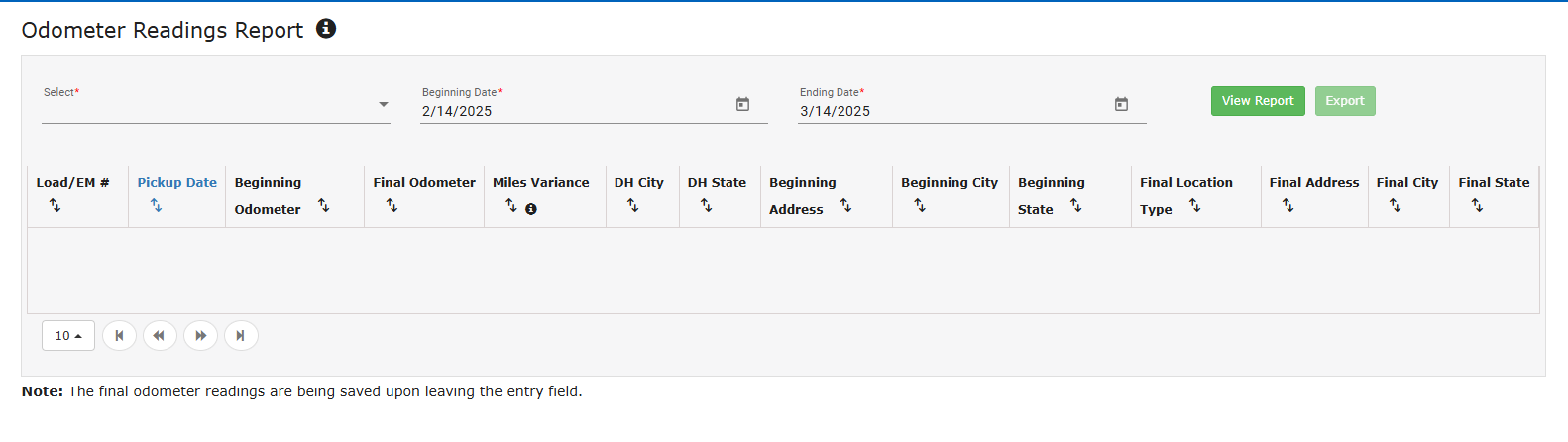
- On the “Odometer Readings Report” page, click the dropdown list under “Select.”
- Choose the active truck(s) for which you want to generate the report.
- Set the desired date range for the report.
- Click “View Report” to generate the report. If everything looks correct, you can export it from MYSTC as needed.